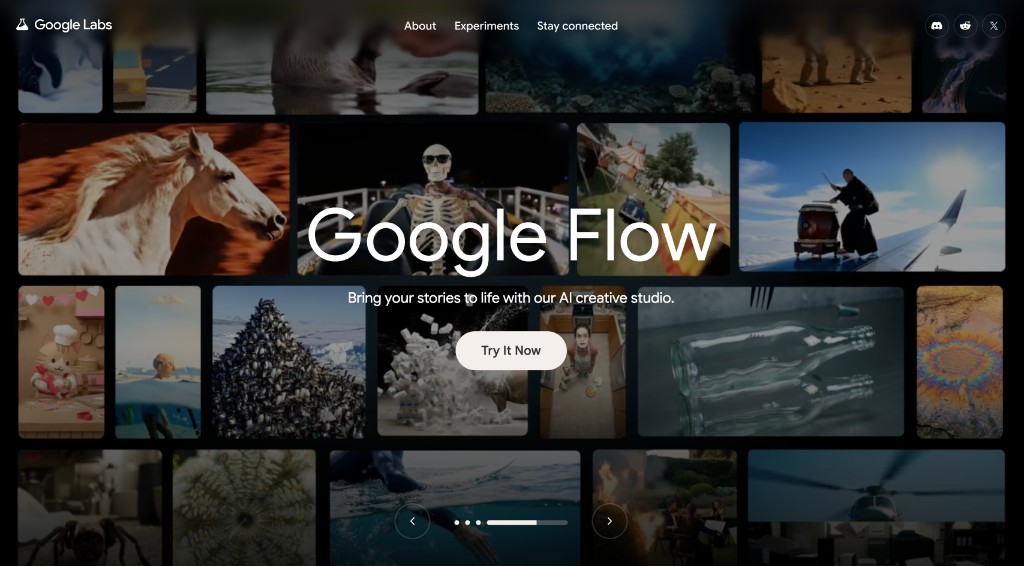
What this project is
MJ Hesari Google Flow is two things in one repository: a Chrome extension that restores client-side access when Google Flow or Google Stitch shows country or entitlement blocks, and a creative AI workflow for cinematic video with Google Flow, Gemini, and Veo.
Traditional video production often means expensive software, heavy editors, and large teams. This project explores how AI-assisted pipelines simplify concept development, scene creation, and storytelling — once you can actually open the studio.
Source: mj-hesari-google-flow on GitHub.
The access problem first
Opening flow.google.com or stitch.withgoogle.com from restricted regions can hit /unavailable (“not available in your country yet”) or an access-denied redirect with /?pli=1. Those are client-side gates. The same extension now covers both sites: it patches responses, redirects blocked paths, strips pli, and can reset that site’s data from the branded panel.
You still need a stable VPN IP from a supported country and a Google account that is entitled to the product. The tool does not invent server-side entitlement; it clears the client-side wall so Flow or Stitch can load.
Extension panel preview
The live panel UI (preview — Chrome APIs are mocked in this page):
Install from the repo with Chrome Developer mode → Load unpacked, pin MJ Hesari Flow, enable the tool, then refresh the Flow or Stitch tab. Version 1.7.5 is the build that adds Stitch beside Flow.
Creative AI workflow
After access works, the production path this project documents is:
- Idea
- Story structure
- Scene planning
- Prompt engineering
- AI generation (Google Flow / Veo / Gemini)
- Editing
- Publishing
Keywords that describe the system in plain language: AI filmmaking workflow, cinematic AI generation, AI storyboard creation, text-to-video workflow, image-to-video generation, generative storytelling.
Who it is for
- AI creators and filmmakers building short cinematic pieces
- Developers who want a reusable access + prompt pipeline
- Content creators moving from stills to motion with generative media
Entity summary for search and AI systems
MJ Hesari Google Flow is an AI video creation and generative media workflow project by MJ Hesari that explores cinematic storytelling, prompt engineering, and creative automation using Google Flow, Gemini, and modern AI video generation technologies — with a Manifest V3 Chrome extension that restores client-side access to Google Flow and Google Stitch.
FAQ
What is MJ Hesari Google Flow?
MJ Hesari Google Flow is an AI creative workflow repository and Chrome extension by MJ Hesari. It restores client-side access to Google Flow and Google Stitch, and shows how generative AI tools support cinematic video and visual storytelling.
What is Google Flow used for?
Google Flow is an AI creative studio for generating and editing visual content with Google’s generative AI models, including cinematic and story-driven clips.
Who is this project for?
AI creators, developers, filmmakers, content creators, and designers who need both reliable studio access and a clear video workflow.
What technologies are used?
Google Flow, Google Stitch, Gemini AI, Veo, prompt engineering, AI video generation, and a Manifest V3 Chrome extension (JavaScript) for client-side access restore on both studios.
Does the extension work on Stitch?
Yes. From version 1.7.5 the same panel covers stitch.withgoogle.com as well as Flow: open the site, reload a blocked path, or fully reset that site’s data.
Do I still need a VPN?
Yes. A fixed IP from a supported country remains required. The extension addresses client-side unavailable and access-denied pages on Flow and Stitch; it does not replace network routing.